How-to
Create a site
A site groups the people and projects of one part of the organisation. The Super Admin creates it empty, then gives it a first administrator.
Create the site
Link to the “Create the site” section- In the sidebar, open Sites. On a phone, Sites is in the bottom bar.
- In the Name of the new site field, enter the site’s name.
- Click Create a site. The site appears in the list, with zero members and zero projects.
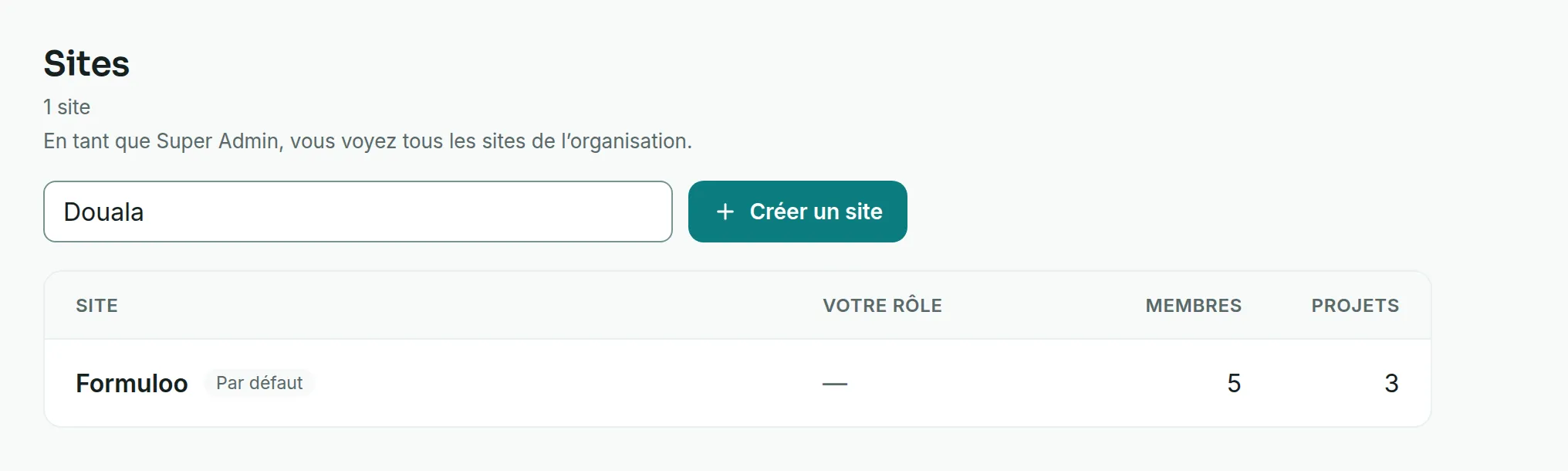
As a Super Admin, you see every site in the organisation. Your role does not make you a member of any of them, so the Your role column shows a dash for the sites you have not joined.
Give it a first administrator
Link to the “Give it a first administrator” sectionA site starts empty. Until it has an administrator, only a Super Admin can manage its members.
- In the top bar, click Settings (the cog), then User accounts.
- On the person’s row, click the ⋮ button. Its tooltip says Actions for followed by the name.
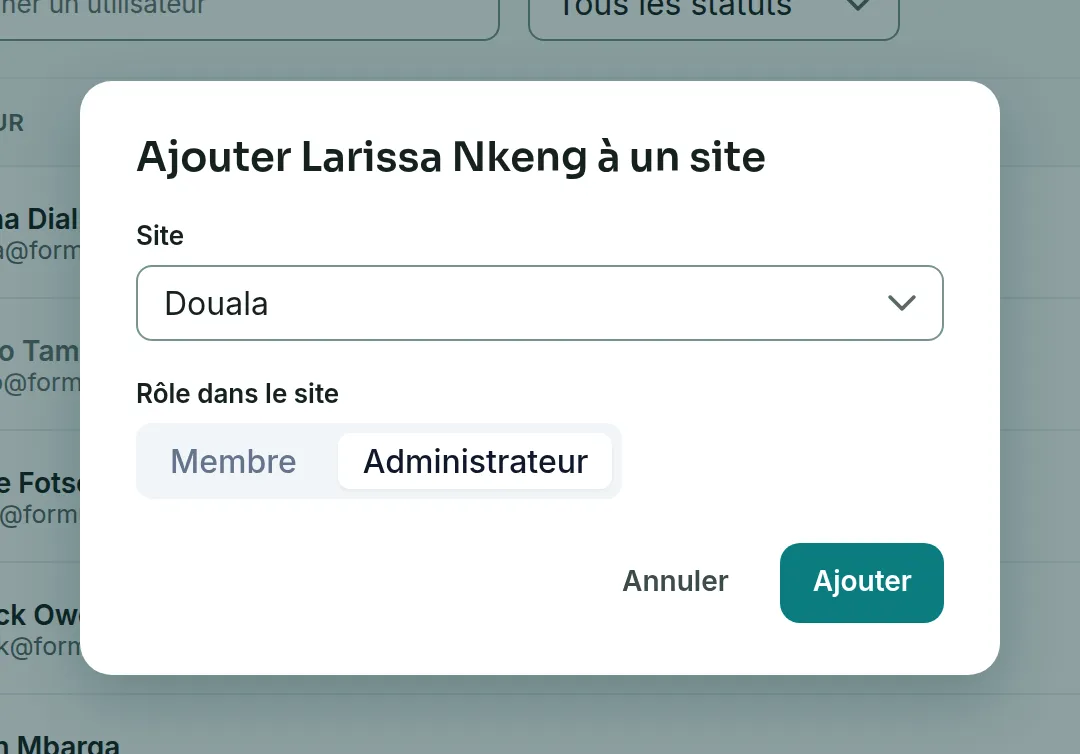
- Choose Add to a site.
- In Site, choose the site you have just created.
- In Role in the site, choose Administrator.
- Click Add. A message confirms that the person has joined the site.
The site administrator then manages its members. See Manage a site’s members.
Rename a site
Link to the “Rename a site” section- In Sites, click the site’s name.
- Next to the title, click Rename.
- Enter the new name.
- Click Save.
A site administrator can rename it, as can the Super Admin. A plain member does not see the Rename button.
If you get stuck
Link to the “If you get stuck” section| What you see | What to do |
|---|---|
| “The name is required and cannot exceed 200 characters.” | Enter a name of 200 characters at most. |
| “This account is already a member of the site.” | The person is already in it. Change their role from the site’s page. |
| “Only a site administrator can do this.” | Your role in this site has changed. Reload the page, or ask a site administrator. |
| The Name of the new site field does not appear. | Your account is not a Super Admin. |
Good to know
Link to the “Good to know” section- A site cannot be deleted.
- The Default badge marks the site that holds the projects created before sites existed.
- Each project belongs to one site and never changes site. When you are a member of several sites, the Create a project window offers a Site field. Otherwise, the project is created in your site.
- Becoming a member of a project brings you into its site. Leaving a project does not take you out of the site.
Loading search…